How do you contain a rogue AI agent?
Contain its device, so it gets no more answers to act on.
What happens when an AI agent goes rogue?
It acts in seconds, with the access you gave it. Agents have already:
In one industry study, 35 percent of security leaders couldn’t shut down a deployed rogue agent.
How does an AI kill switch work?
You set it in the console, and the devices enforce it. It contains what comes next, not what’s done, so deny what can’t be undone before it runs. The kill switch helps you meet MANAGE 2.4 in NIST’s AI RMF 1.0, which asks for a way to deactivate AI, with responsibilities assigned.
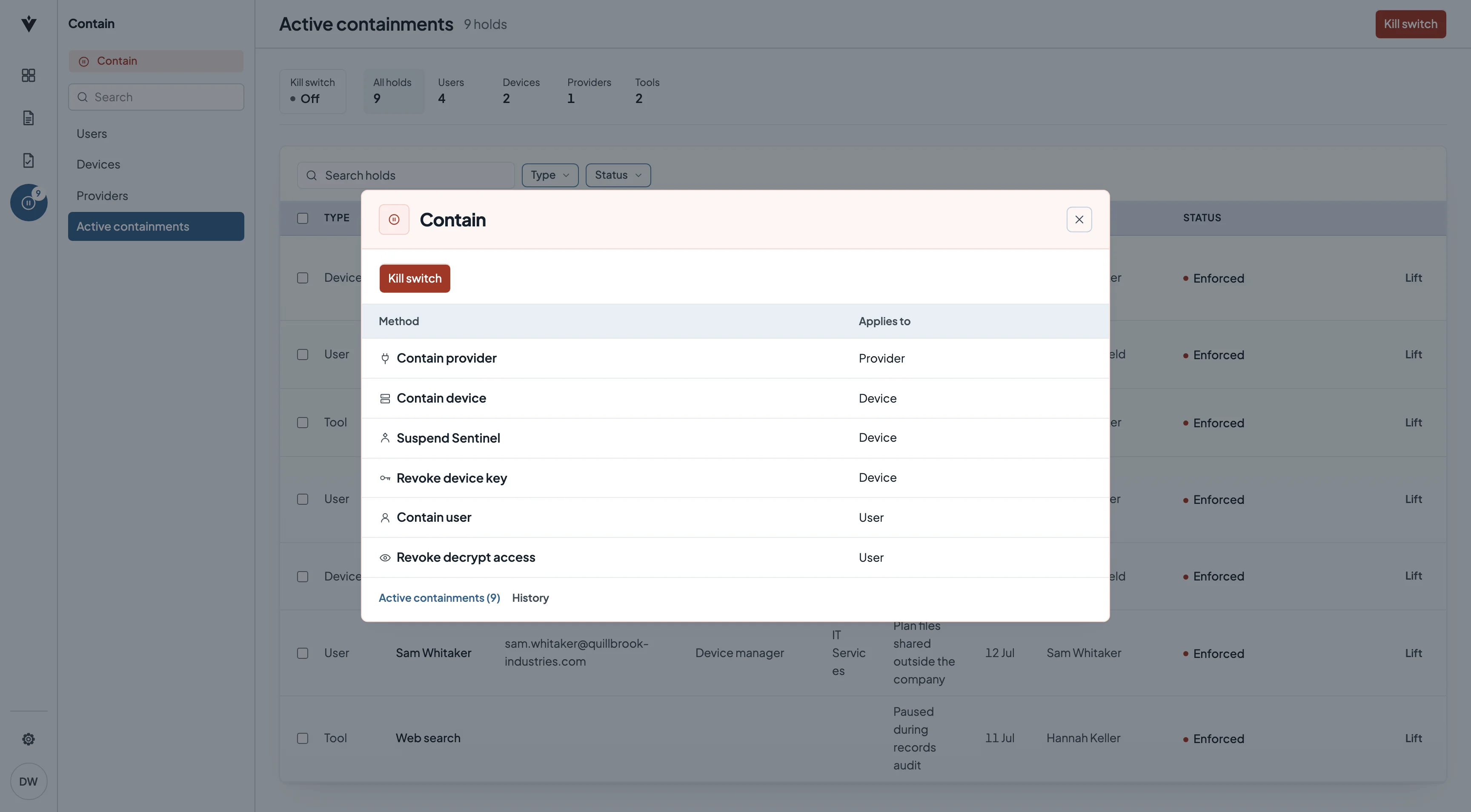
- Choose what to contain.One person, device, AI provider or model, or every enrolled device at once.
- Say why.Only people you name can do it, with a reason that goes on the record.
- Lift it when it’s safe.Devices in scope deny AI requests from their next check-in until you lift it.
What goes in an AI incident response plan?
Four steps, and containment comes first. At a bank, a staff upload of customer data to an unapproved AI app led to an SEC filing. At a hospital, a worker put a spreadsheet covering 3,182 patients into a public AI tool. A plan like this helps you meet MANAGE 4.3 in NIST’s AI RMF 1.0, which asks for incident tracking, response and recovery.
Contain it.
Deny AI requests for the person, device or tool involved while you look into it.
Preserve the evidence.
Save what was sent and returned, then ask the AI provider to delete its copy.
Size it.
Find whose data left and how much, because that decides who you must tell and how soon.
Report on time.
Some clocks run 36 hours from when you determine an incident must be reported. Know yours now.
How do you prove when you contained it?
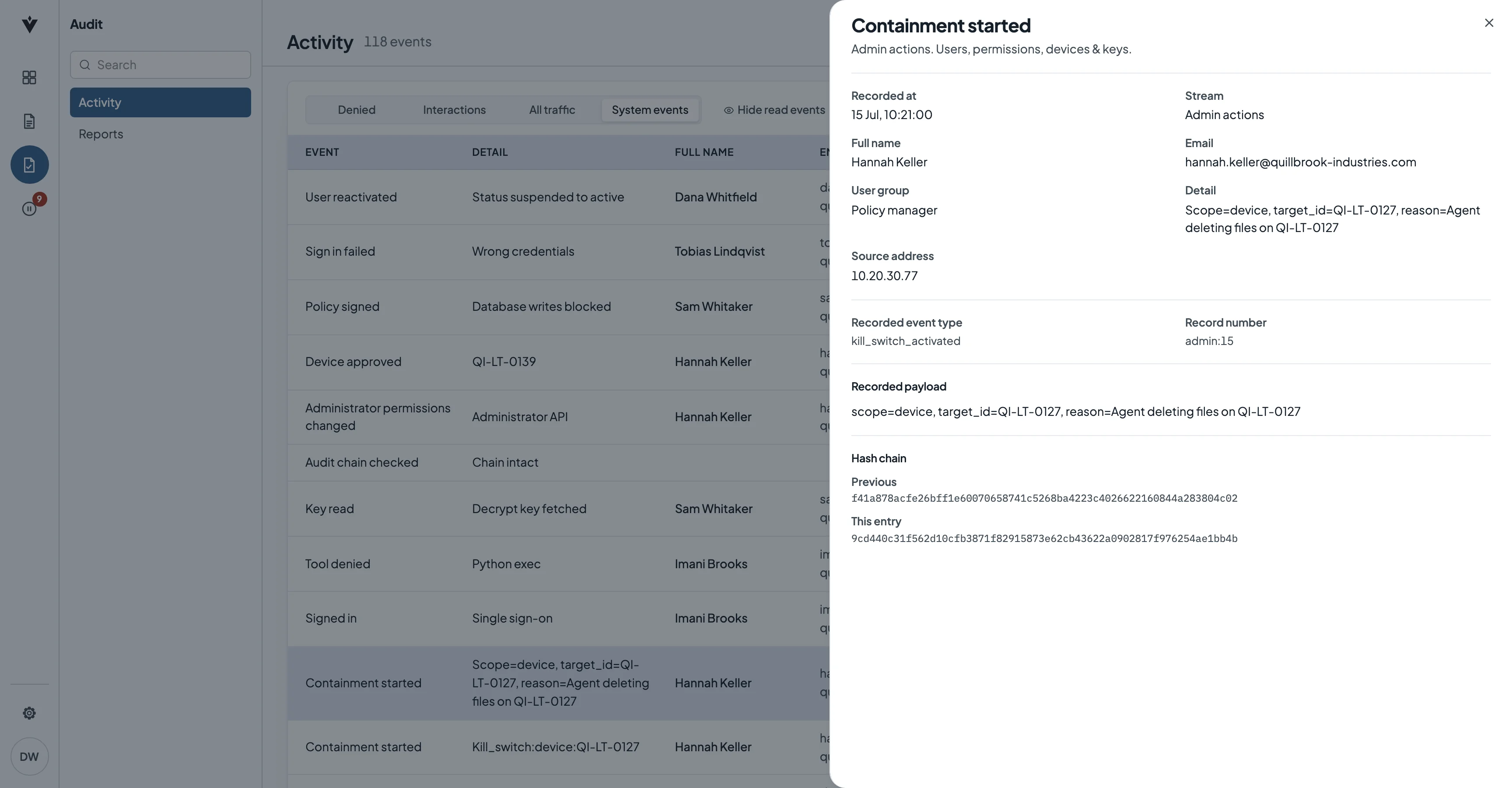
Each containment goes on your record as “Containment started”, with who set it, when and why. To investigate, open the conversation on the record to see what was sent, the instructions and each tool call.
What will you be asked about containing AI?
All postsA New York City bill would ask city contractors for a way to shut down AI models.



See the kill switch before you need it.